Free LEGO MOC building instructions
141 custom builds, step by step, almost all free.
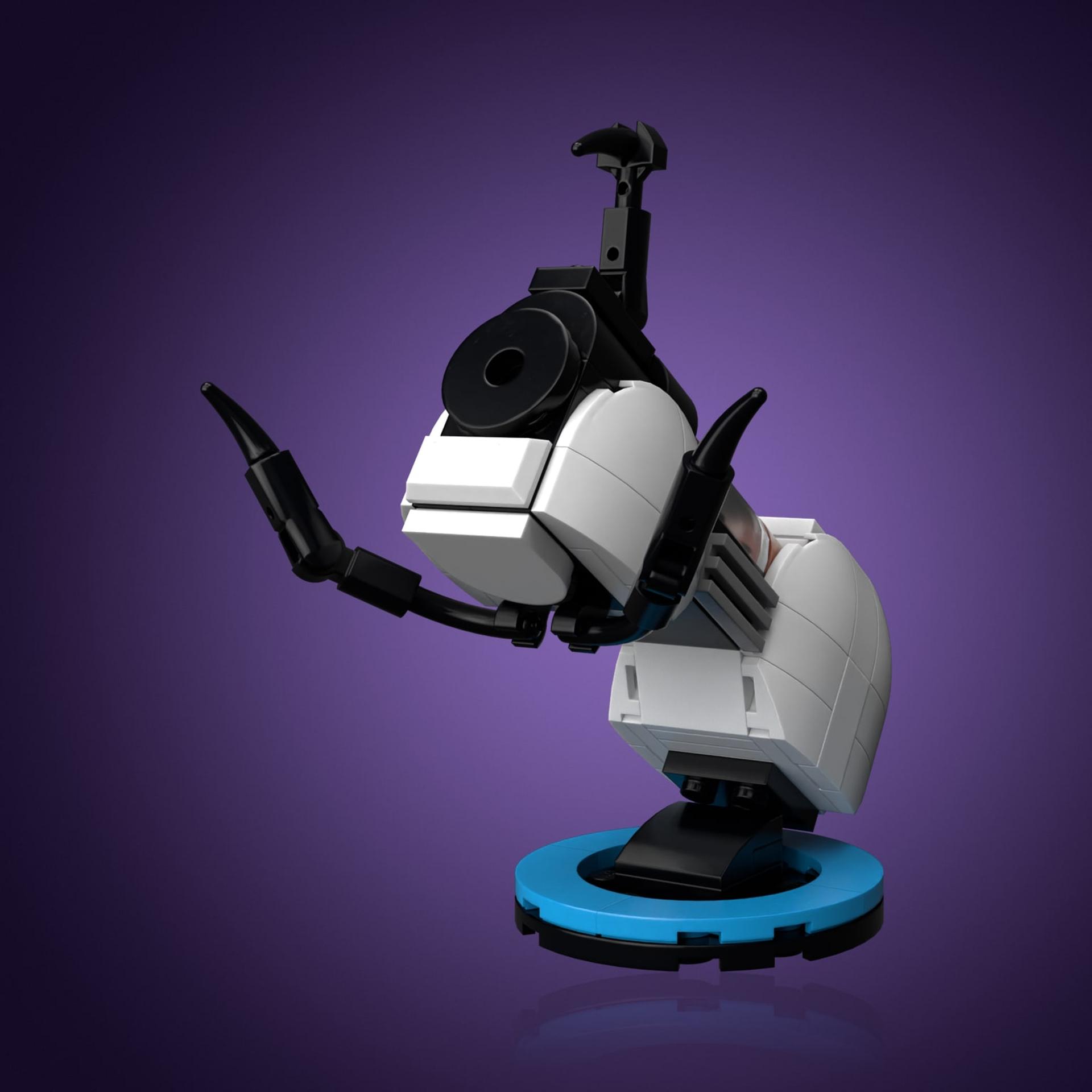
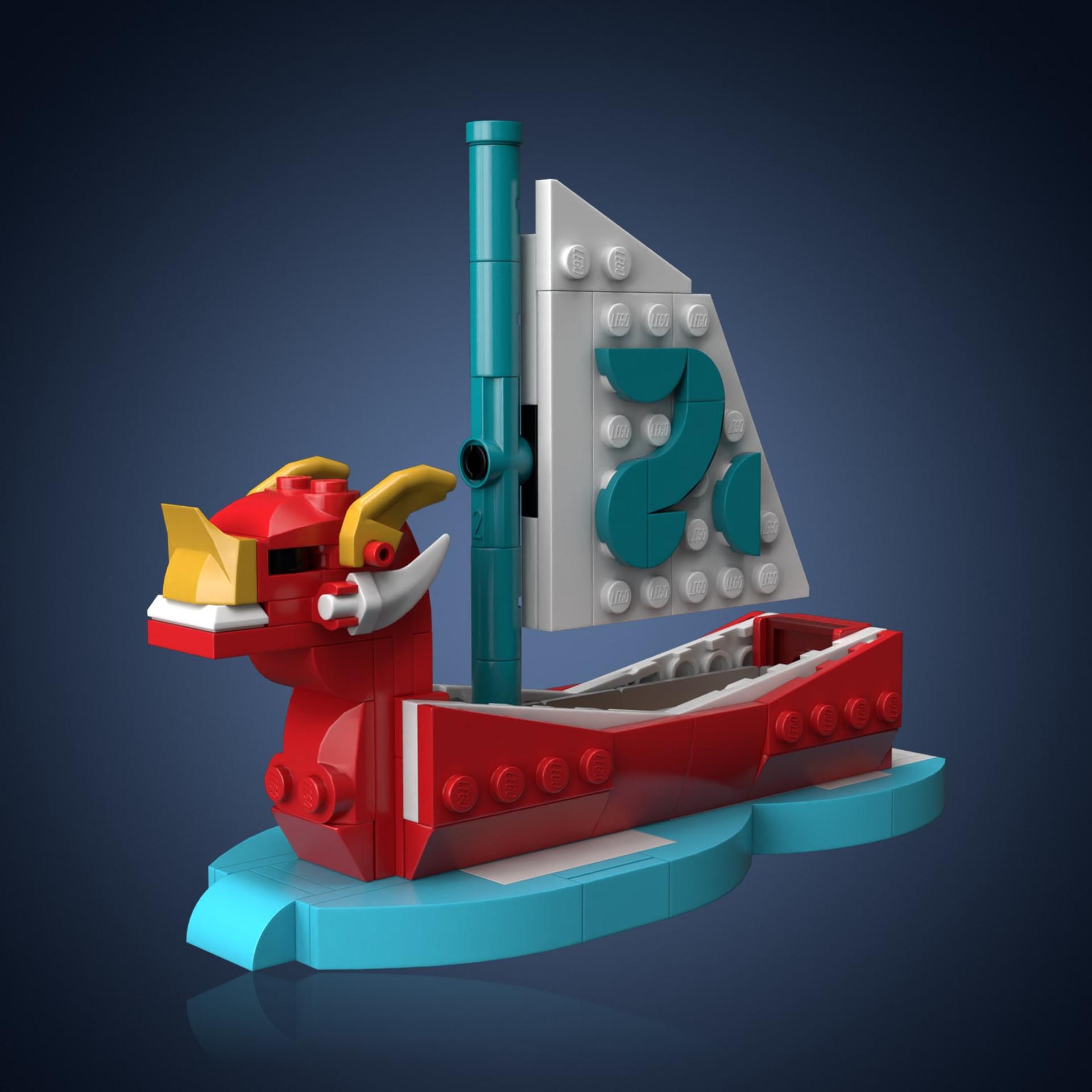
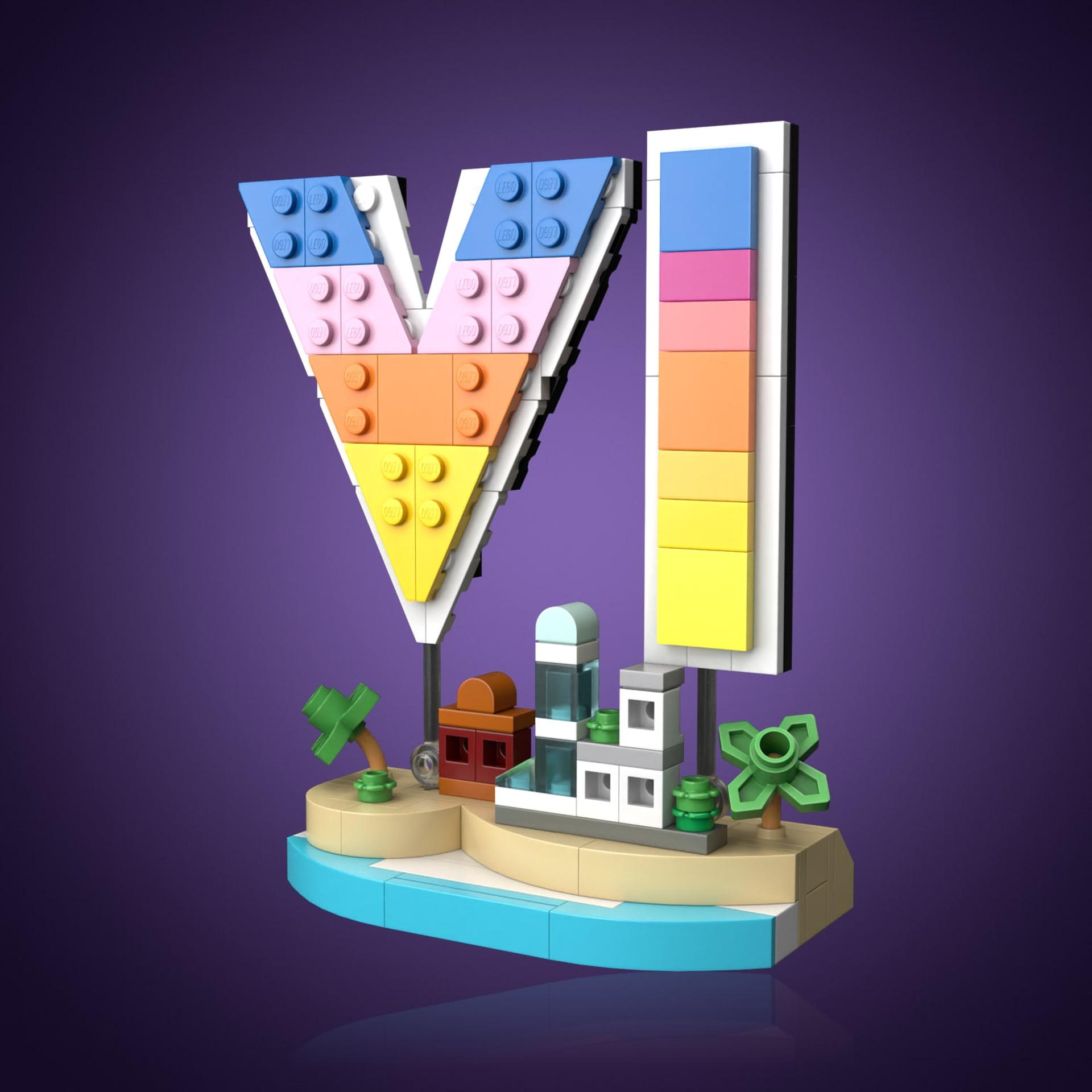
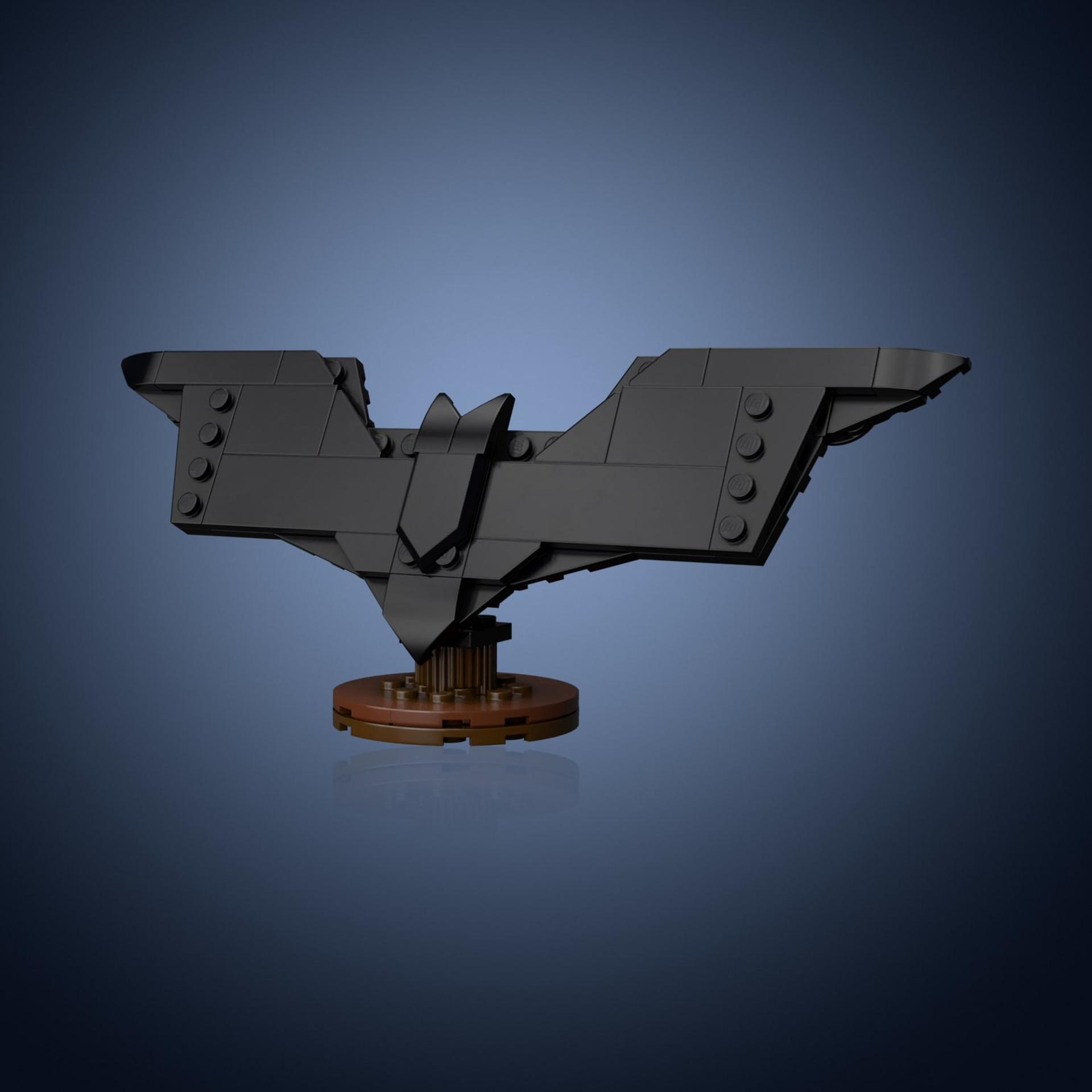
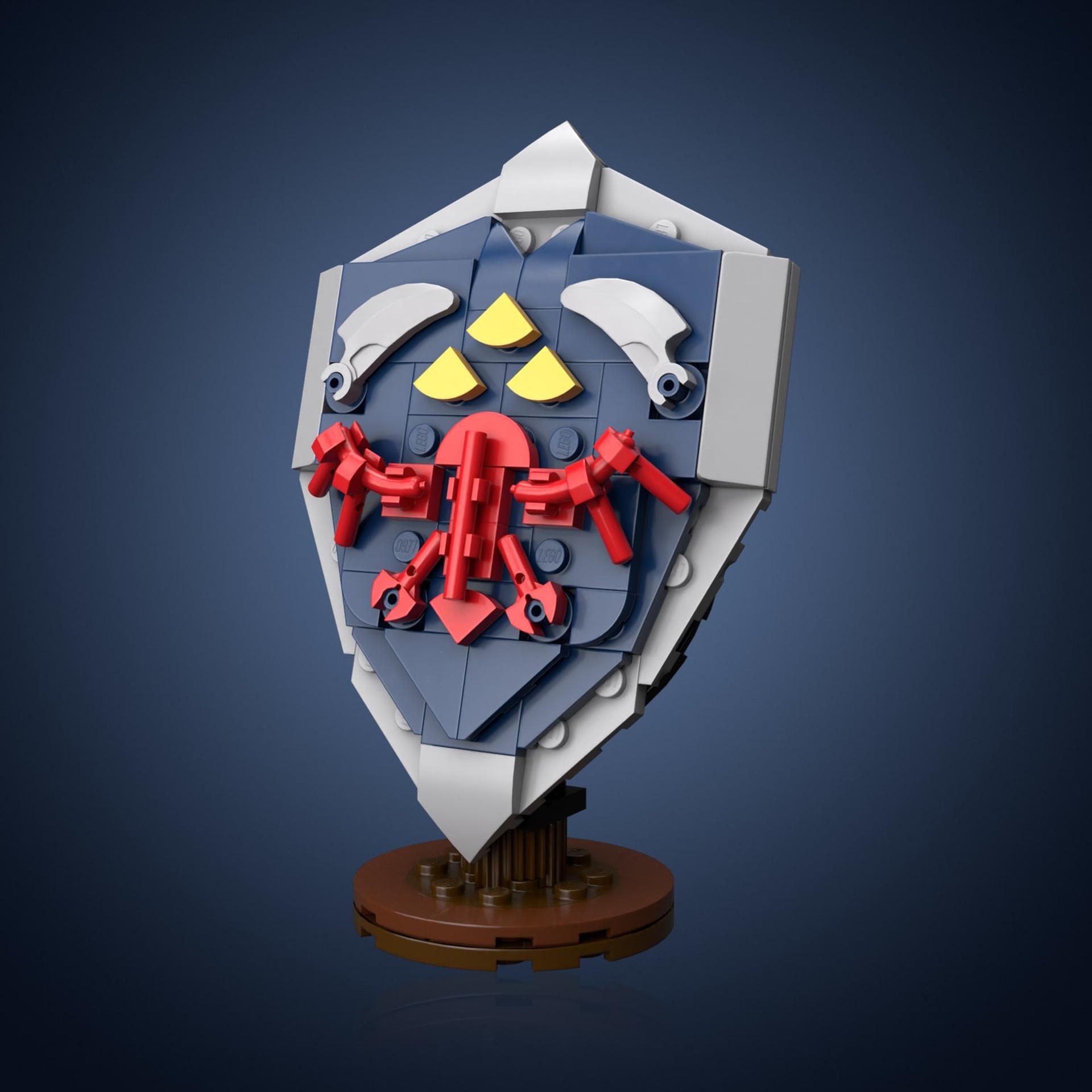
Premium MOCs
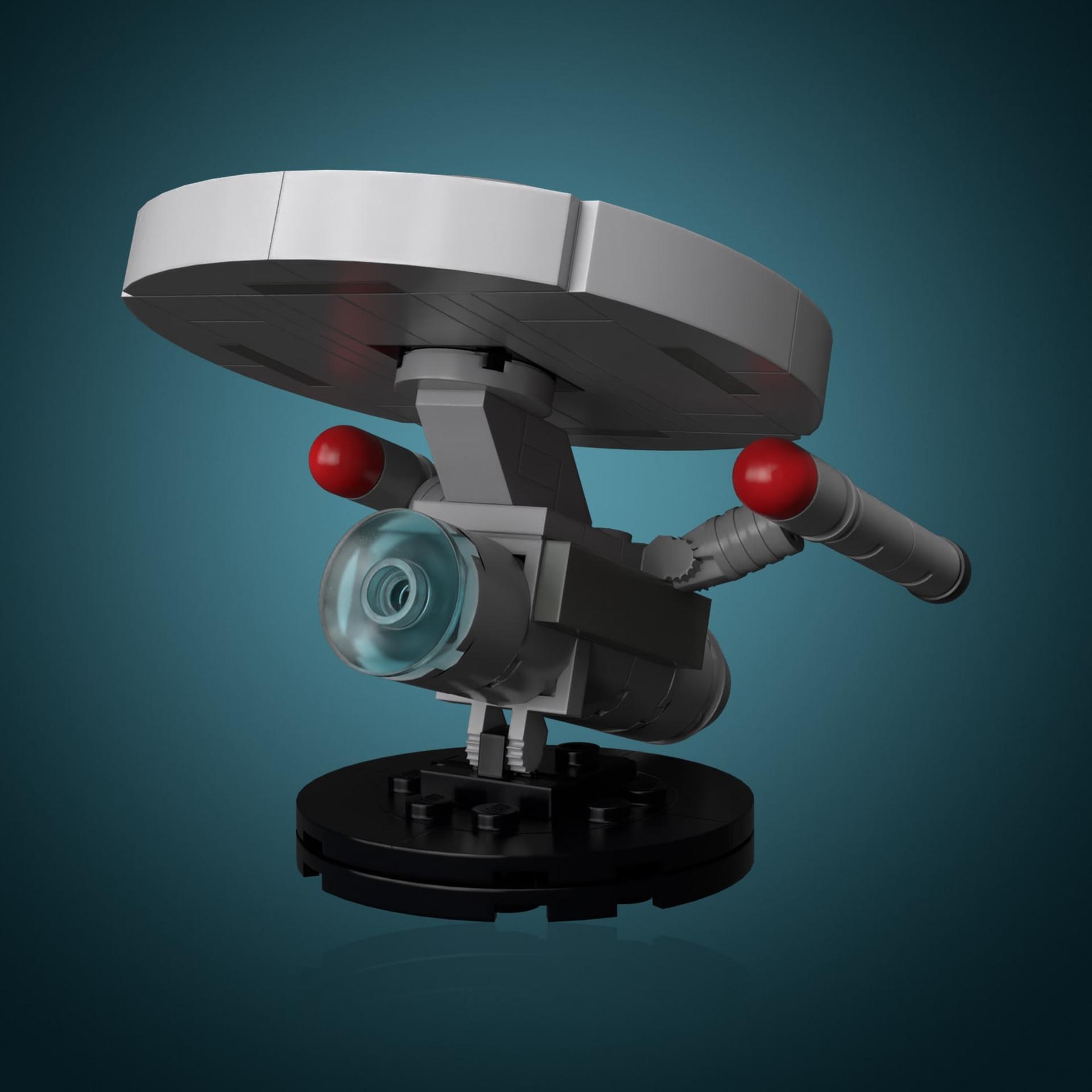
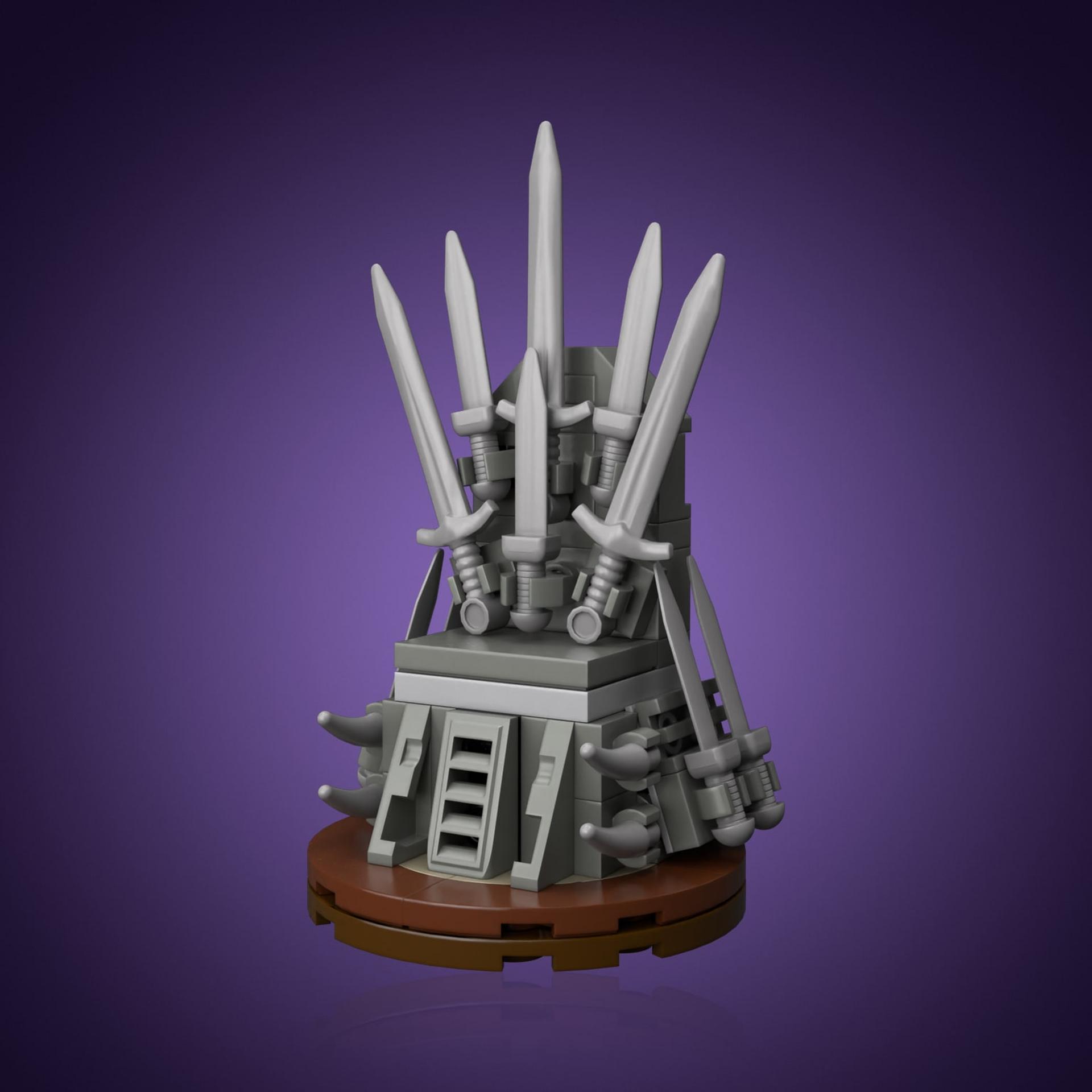
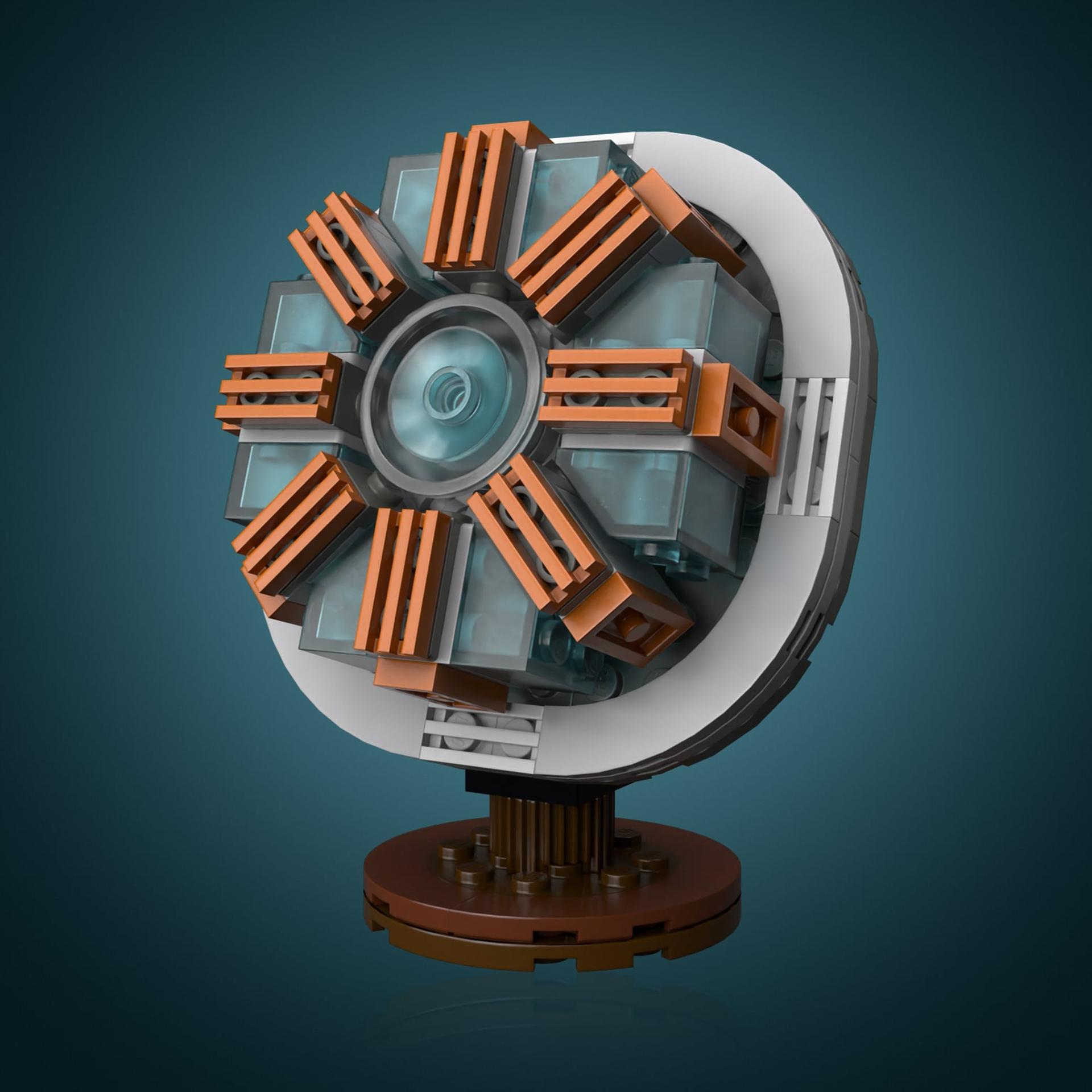
Bigger builds with the first pages free: unlock the full instructions, the printable PDF and the Studio file once.
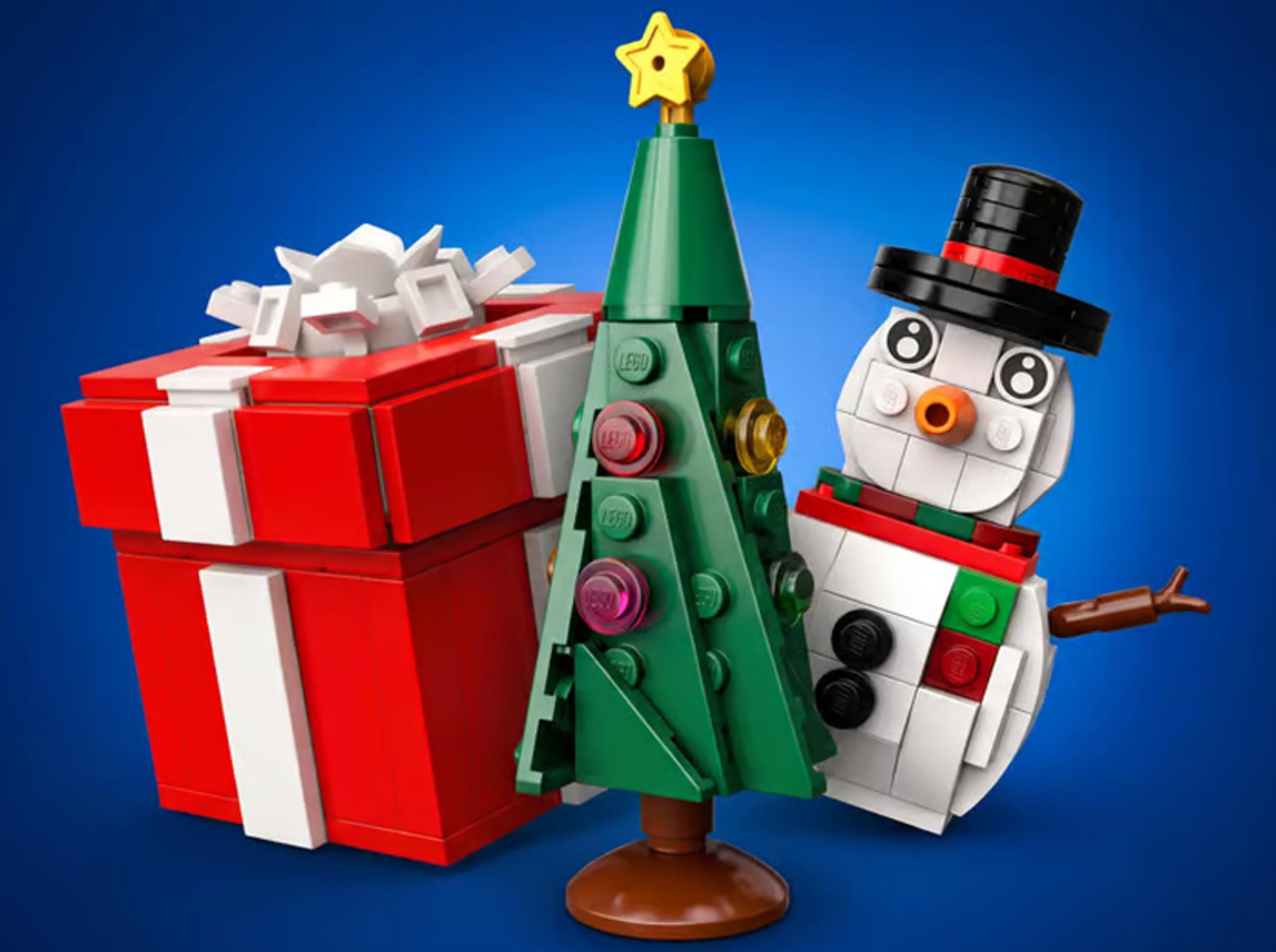
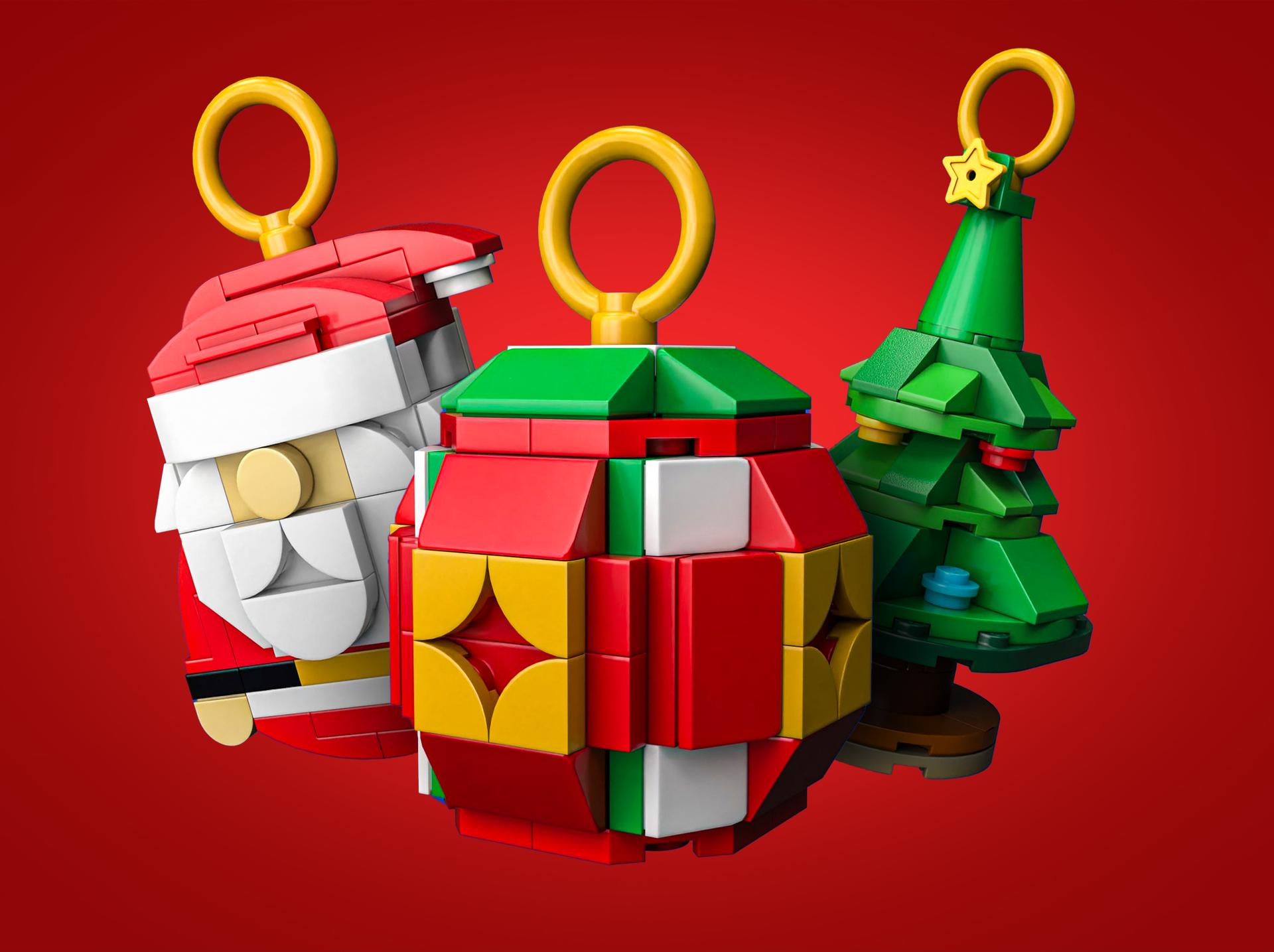
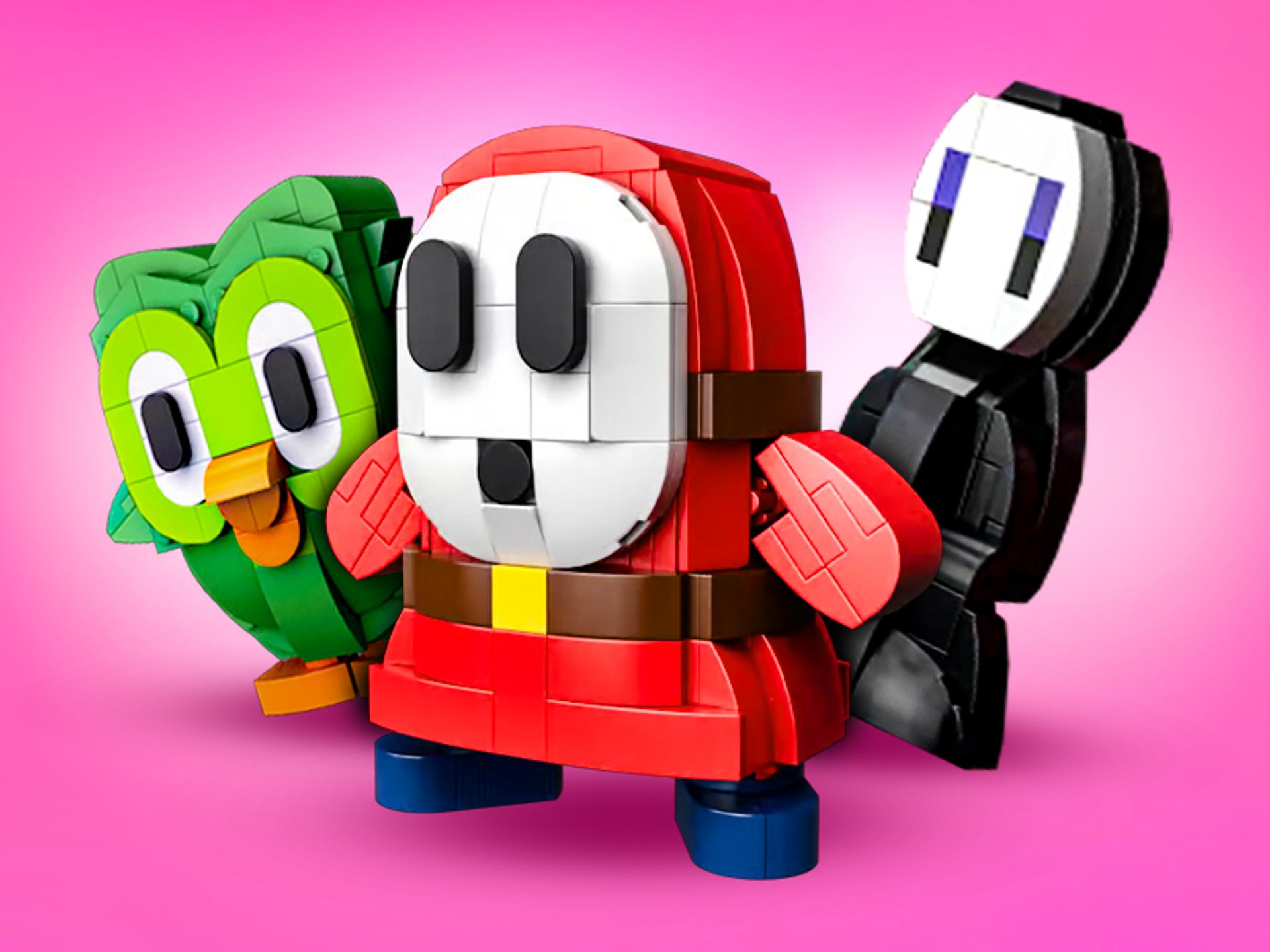
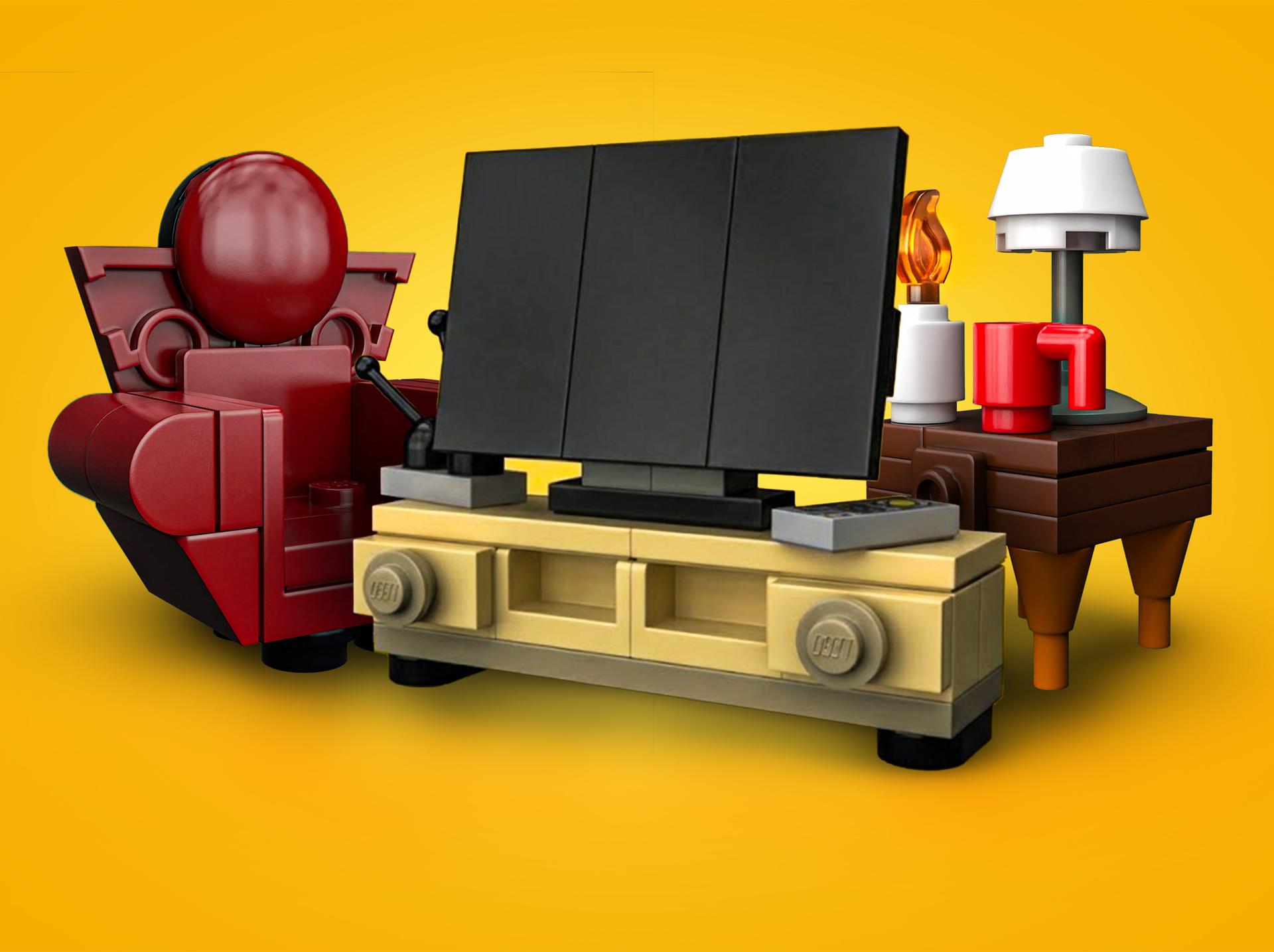
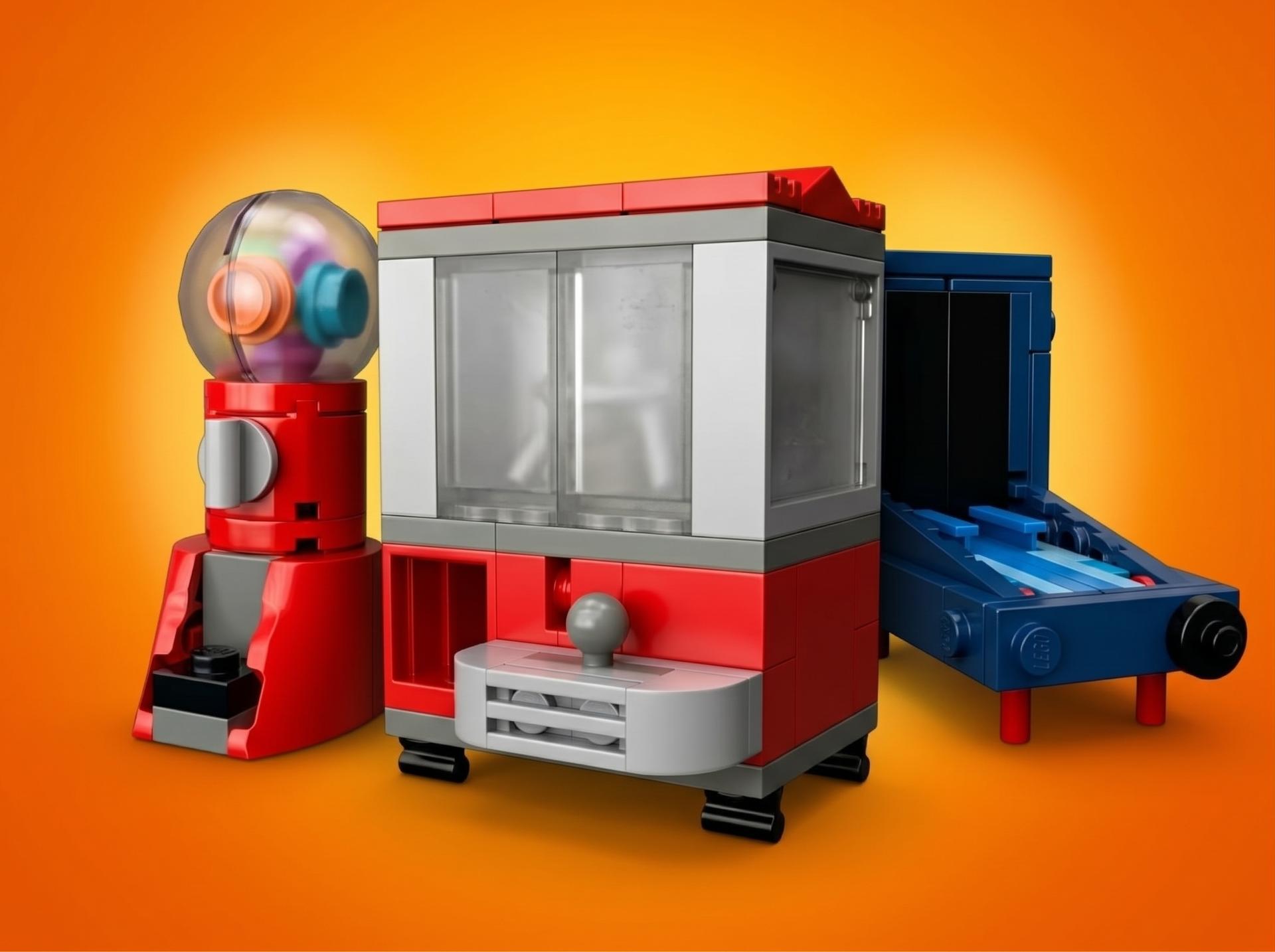
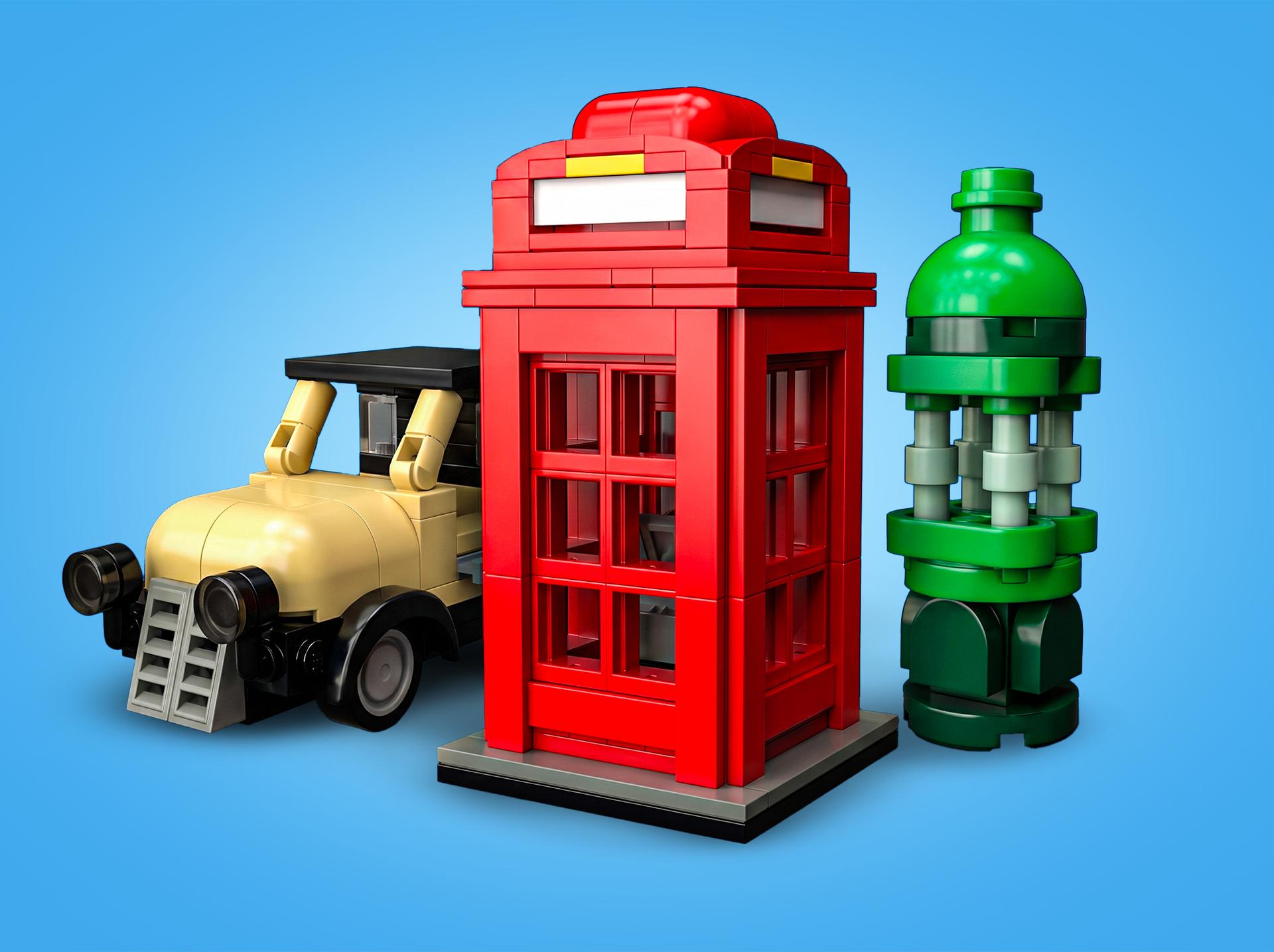
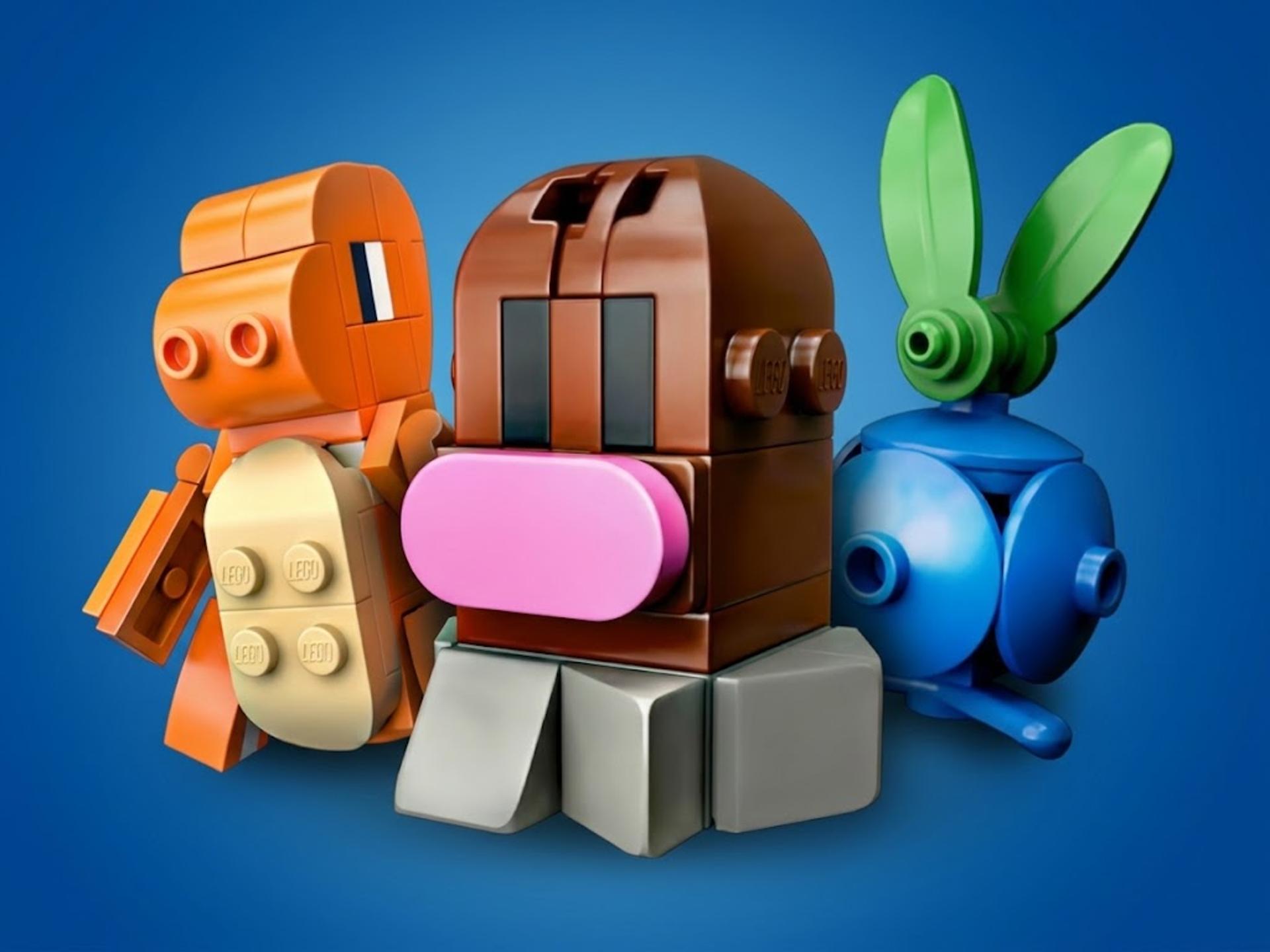
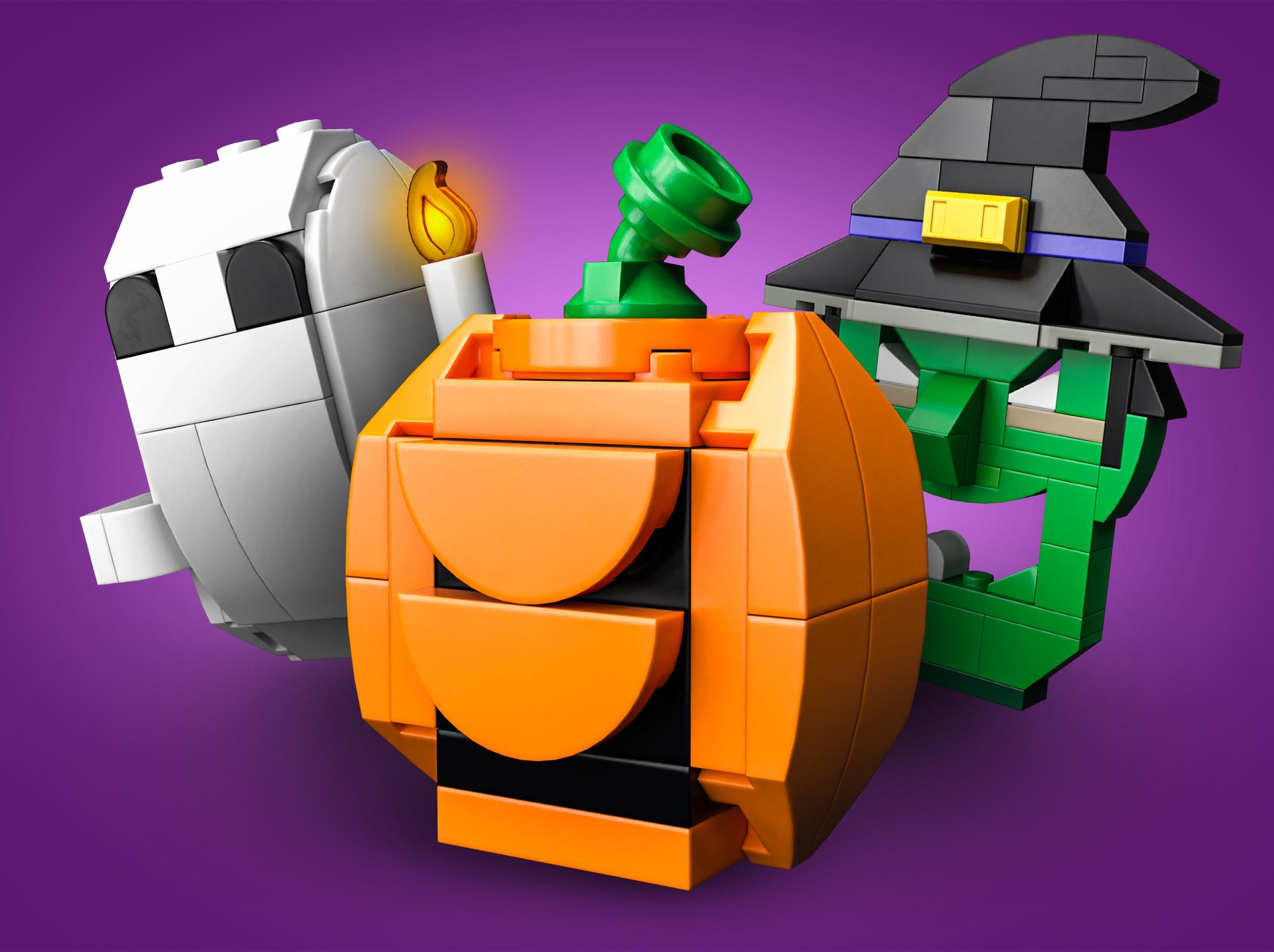
How it works
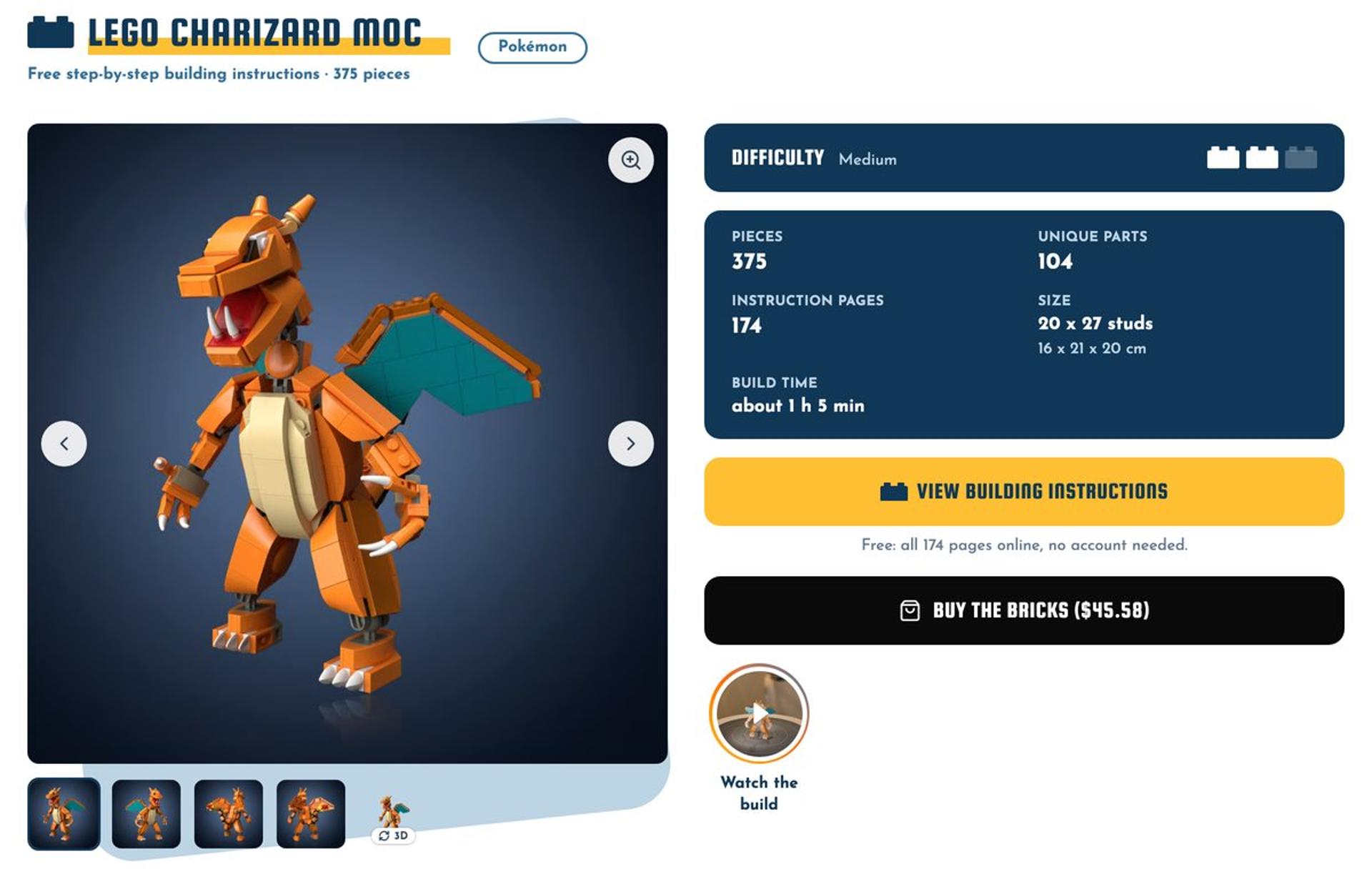
1Pick a MOC
Browse 141 custom builds by category or size. See each one from every angle and spin the 3D model.
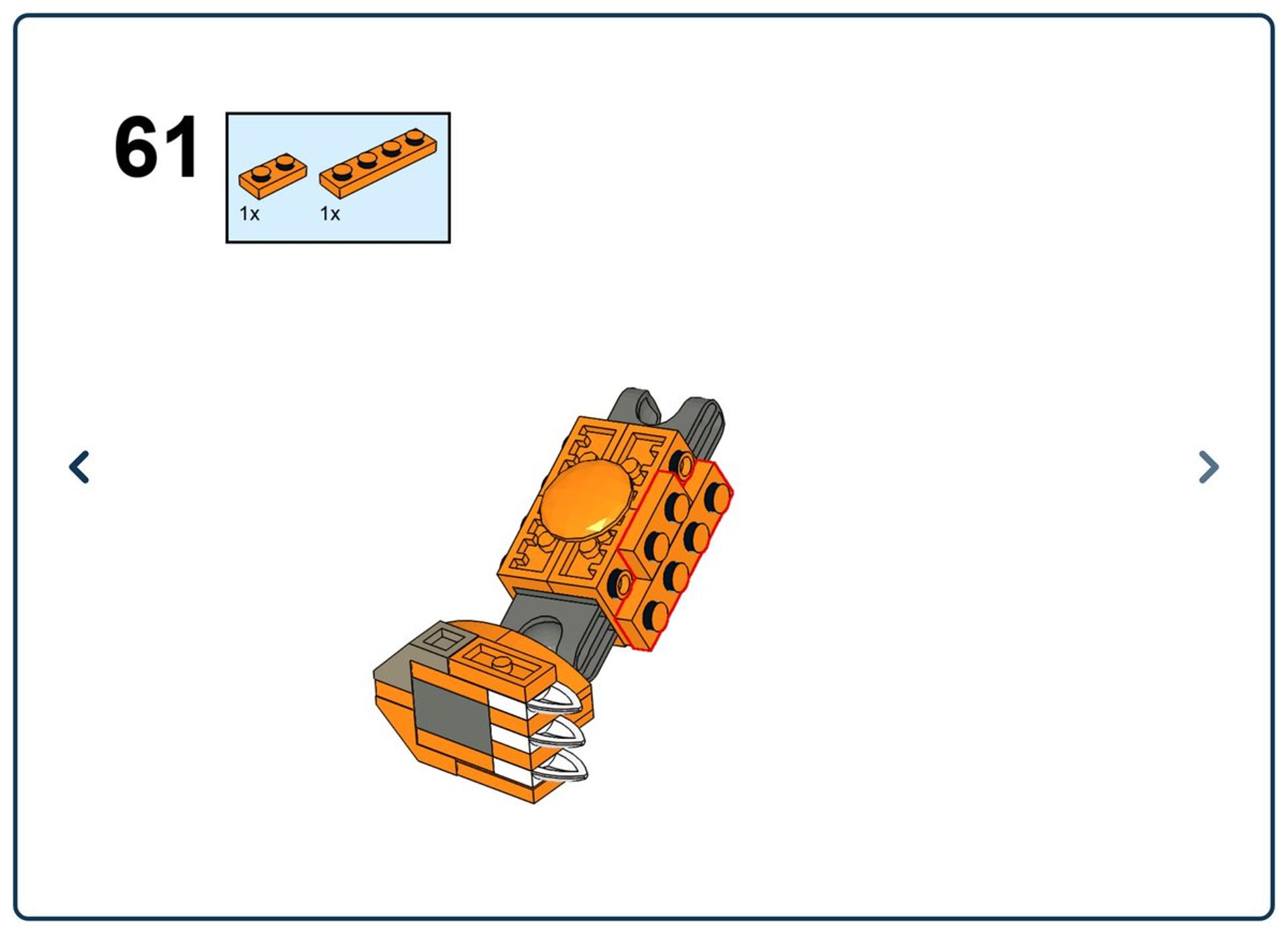
2Follow the steps
Every page of the instructions is online and free. No account, no download.
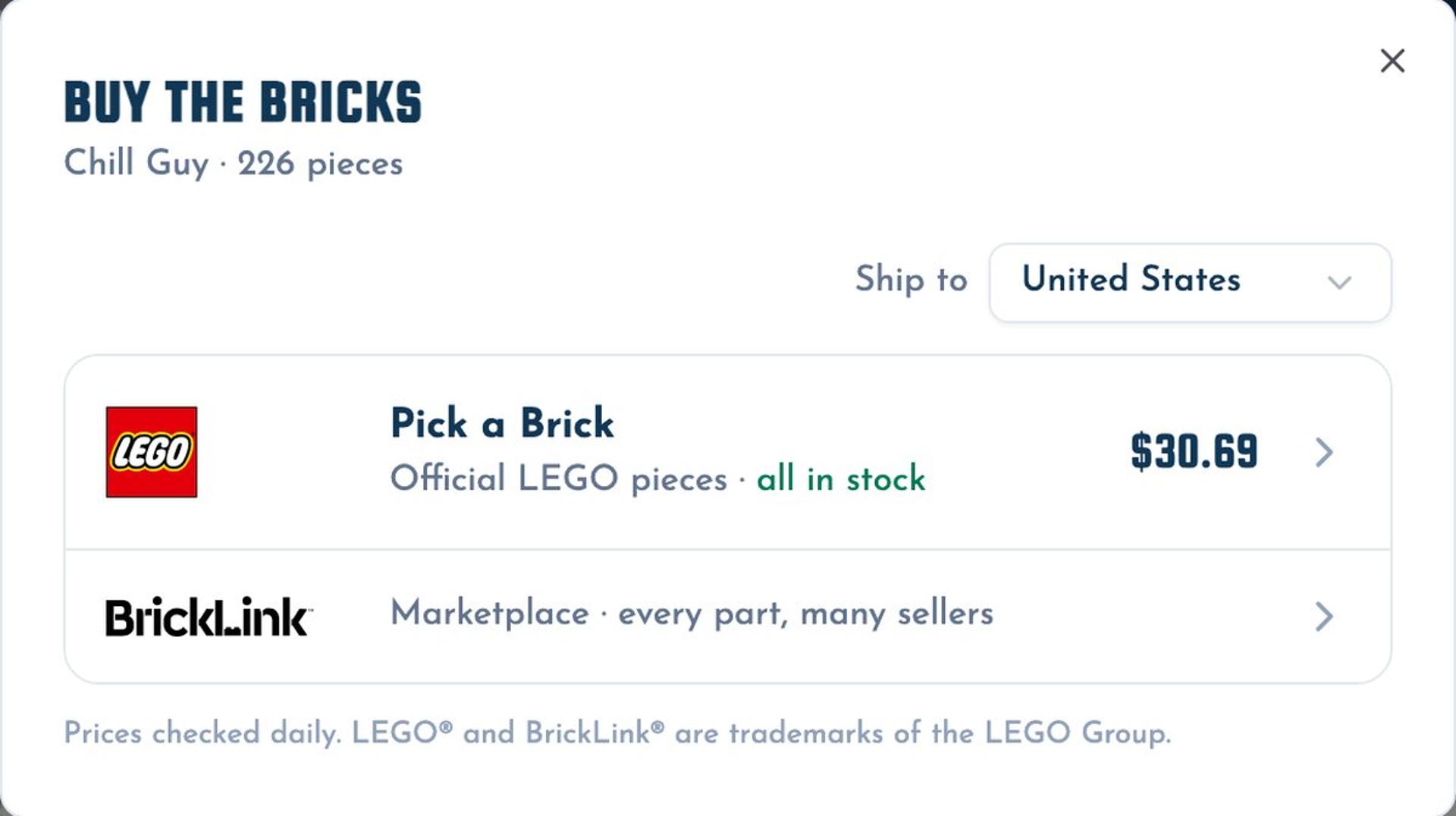
3Get the bricks
Order the pieces from LEGO Pick a Brick or BrickLink, with the parts list ready to upload.
Frequently asked questions
Where can I find free LEGO MOC instructions?
Right here. Almost every MOC on MOC Instructions comes with free step-by-step building instructions that you can follow online, page by page, without an account. Each MOC page also shows the model from four angles, an interactive 3D model and the list of pieces you need. A few premium MOCs show their first pages for free and unlock in full with a one-time purchase.
Can I download or print the instructions as a PDF?
Yes. Every free MOC has its printable PDF and its Studio file in the Download files section of its page, along with the full parts list. For a premium MOC, the PDF and the Studio file come with the one-time unlock.
What is a LEGO MOC?
MOC stands for “My Own Creation”: a model designed by a fan rather than by the LEGO Group, built from regular LEGO pieces. Read our guide What is a LEGO MOC? to learn more.
Where do I get the LEGO pieces?
Each MOC lists the pieces it needs. Use the bricks you already own, or order the missing ones from BrickLink, the largest marketplace for individual LEGO parts. Every MOC page has a free Buy the bricks button: get all the pieces from LEGO Pick a Brick or BrickLink in a few clicks.
Are these official LEGO sets?
No. They are original designs, built with genuine LEGO parts. Some are fan tributes to characters from games and films: they are unofficial creations, not affiliated with or endorsed by those rights holders or by the LEGO Group.
Which MOC should I build first?
Start small: the MOCs under 100 pieces are quick builds you can finish in a few minutes, perfect for kids and beginners. Then move up to bigger models with hundreds of pieces.
Subscribe to newsletter
Stay up to date with all new creations, news and much more!